Map each checkout lane
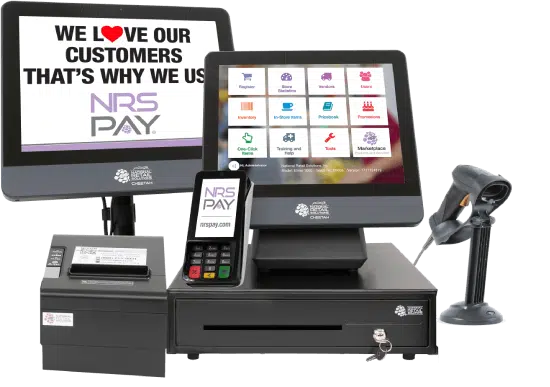
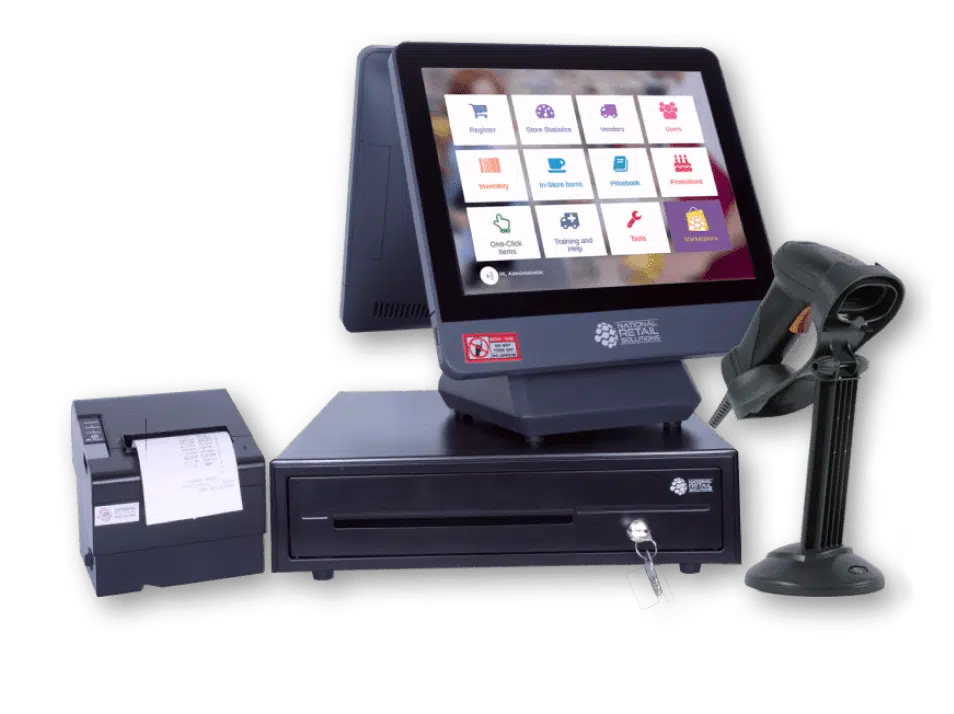
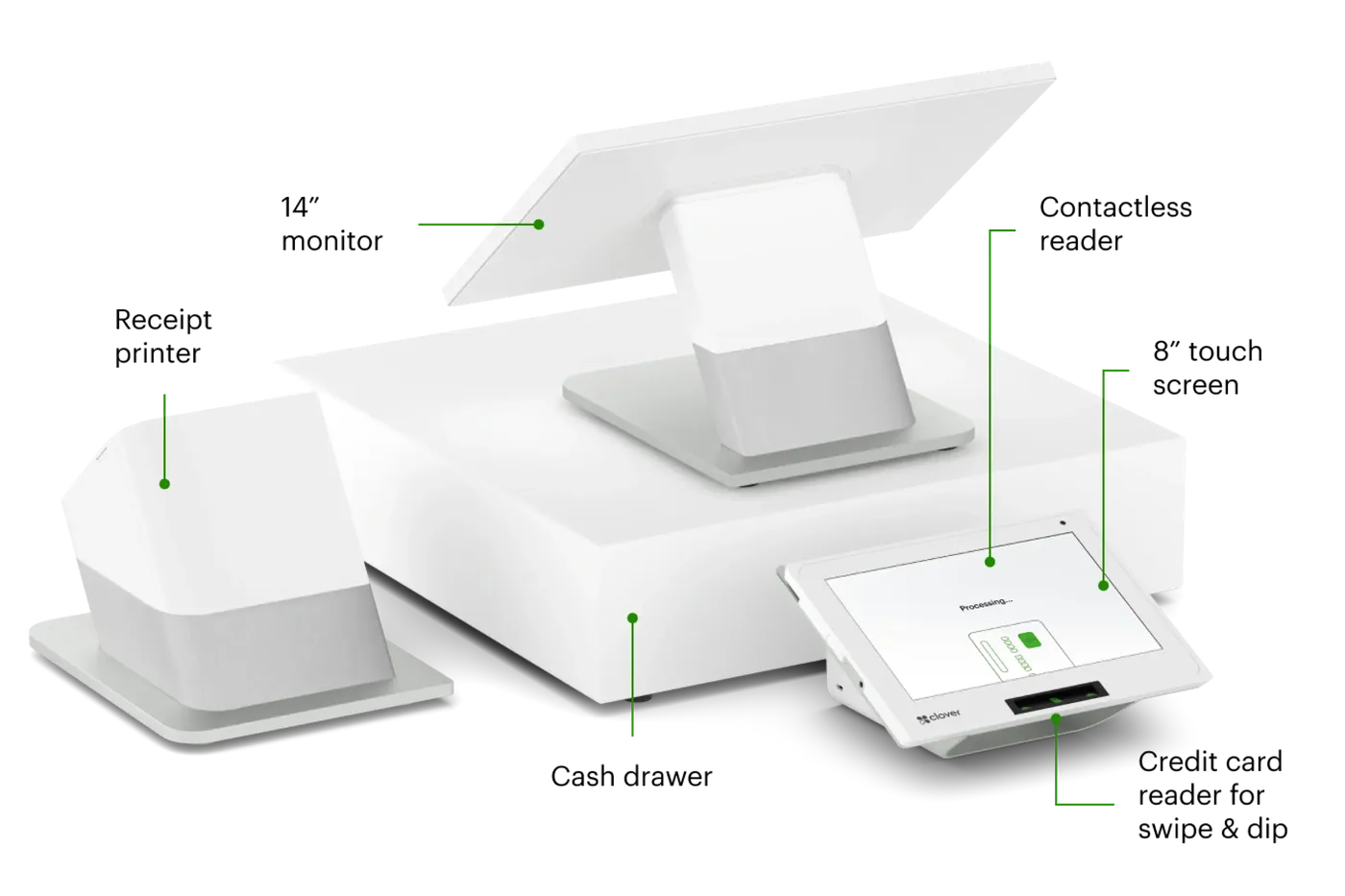
List scanners, scales, receipt printers, and other peripherals. Confirm device and software compatibility before selecting a configuration.

GROCERY STORES / PAYMENT PERSPECTIVES
Think through lanes, weighed products, prepared foods, and the final receipt.
Discuss my business
THE SHORT ANSWER
Grocery stores need registers built for high throughput, with scanner-scales for weighed items, large pricebooks, promotions, and support for the tender types customers use. Multi-lane setups, customer-facing displays, and reliable offline handling keep lines moving during peak hours.
KEY TAKEAWAYS
GO DEEPER
WHAT MAKES THIS WORKFLOW DIFFERENT
A grocery proposal must account for the actual scanner and scale models, product data, and intended tender types. An available POS alone does not establish program eligibility or peripheral support.
List scanners, scales, receipt printers, and other peripherals. Confirm device and software compatibility before selecting a configuration.
Explain weighed items, promotions, departments, and the tender types you intend to accept. Specialized programs require separate verification.
How are products and prices maintained? Which lanes share data? What is the plan when a peripheral stops working?
MAKE AN INFORMED CHOICE
Start with the workflow you need. Confirm the details of a proposed solution before committing.
Talk through your options| Approach | Use case | What to confirm |
|---|---|---|
| 01Single lane | A neighborhood store | Scanner, scale, printer compatibility |
| 02Multiple lanes | Shared checkout responsibilities | Product data and lane coordination |
| 03Prepared-food counter | Orders alongside grocery purchases | Menu and kitchen workflow |
SETUPS TO CONSIDER
A MORE USEFUL CONSULTATION
No need to have every answer. These are the questions worth starting with.
FREQUENTLY ASKED
Provide the exact scale and scanner models and demonstrate item lookup, weight capture, and receipt output in the proposed software.
Describe lane count, shared product data, staff permissions, and support procedures. Confirm how prices and updates are distributed and what happens during a connection problem.
Bring your existing setup and discuss these questions: Which scales and scanners must connect? Which tender programs need separate verification? How do prices and promotions reach each lane? A useful shortlist begins with those requirements.
That depends on the exact models, software versions, integrations, and processing arrangement. Request confirmation for your configuration before committing.
No. Hardware and technology categories illustrate options to explore. Availability, supported workflows, eligibility, pricing, and terms require verification in a written proposal.