Design for a quick stop
Consider counter space, scanning, receipt handling, and the mix of products sold throughout the day.

CONVENIENCE STORES / PAYMENT PERSPECTIVES
Explore registers around your counter space and everyday product mix.
Discuss my business
THE SHORT ANSWER
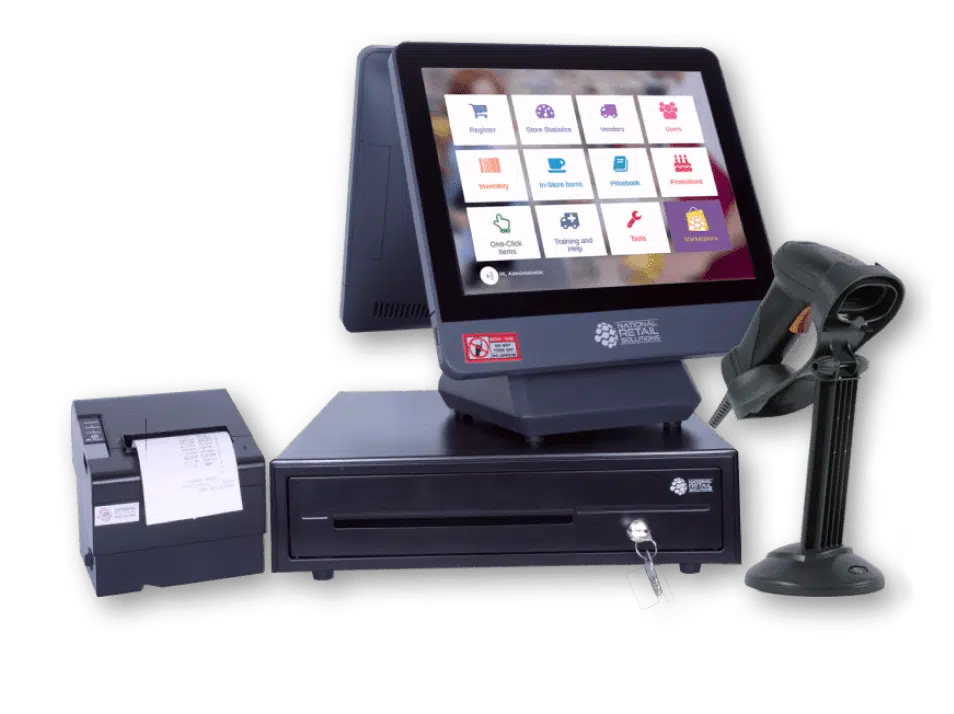
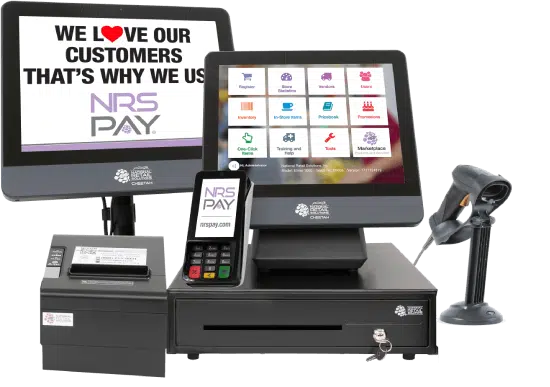
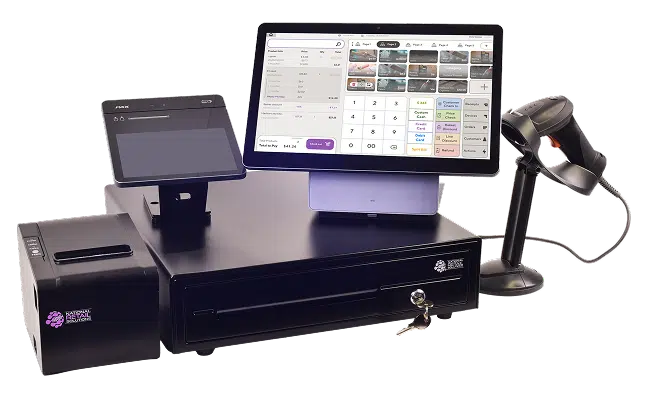
Convenience stores need a scan-first register that handles thousands of packaged-goods items quickly, manages pricebooks, prompts for age-restricted products, and works with a cash drawer, scanner, and receipt printer. NRS POS is purpose-built for independent convenience, liquor, and tobacco stores; Clover can suit stores with more food service.
KEY TAKEAWAYS
GO DEEPER
WHAT MAKES THIS WORKFLOW DIFFERENT
Busy periods make item lookup, scanning, and shift handoffs important. Specialized products, fuel systems, and tender programs require separate confirmation.
Consider counter space, scanning, receipt handling, and the mix of products sold throughout the day.
List any age-restricted products or special tender programs. Eligibility and supported workflows must be verified independently; general POS availability does not establish support.
What peripherals must connect? How are prices updated? Which shift reports does the team use?
MAKE AN INFORMED CHOICE
Start with the workflow you need. Confirm the details of a proposed solution before committing.
Talk through your options| Approach | Use case | What to confirm |
|---|---|---|
| 01Compact register | Limited counter space | Scanner, drawer, and cable layout |
| 02Busy checkout | Repeated small-basket transactions | Item lookup and shift handoff |
| 03Additional ordering point | Customers order separately | Routing and physical accessibility |
SETUPS TO CONSIDER
A MORE USEFUL CONSULTATION
No need to have every answer. These are the questions worth starting with.
FREQUENTLY ASKED
Fuel acceptance has separate hardware, software, and processing requirements. Identify the exact forecourt systems and obtain written compatibility confirmation.
Document every required workflow early. Product eligibility, program authorization, and software support must be checked separately; a POS listing does not establish them.
Bring your existing setup and discuss these questions: What scanners, drawers, and printers are already in place? Which special tender or product workflows do you require? How is the pricebook maintained? A useful shortlist begins with those requirements.
That depends on the exact models, software versions, integrations, and processing arrangement. Request confirmation for your configuration before committing.
No. Hardware and technology categories illustrate options to explore. Availability, supported workflows, eligibility, pricing, and terms require verification in a written proposal.