
THE CONNECTED PICTURE
The right pieces.
A better whole.
Payments touch the counter, the storefront, the back office, and the customer experience. Build the connections your business needs, with clear responsibilities at every handoff.
Explore the ecosystem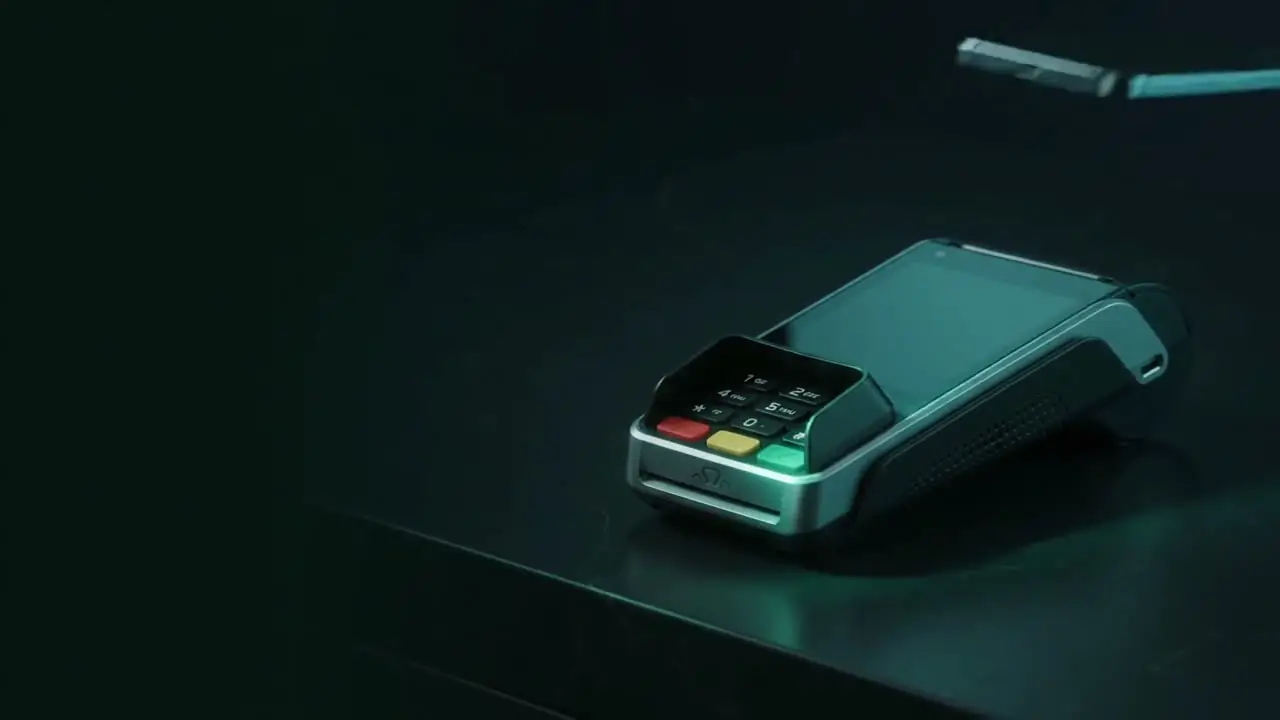
CONNECTED BY PURPOSE
Start with a sale.
See the whole operation.
Waytrix Pay helps you explore relevant technology categories. The capabilities below are supplied by suitable providers, subject to confirmation—not presented as proprietary Waytrix software.
- Map where customers pay.
- Identify the systems that support the sale.
- Agree who owns each connection and exception.
EXPLORE EACH CONNECTION
A considered commerce stack.
Open a capability to understand its role,
handoffs, and questions to resolve.
Payment acceptance
Where your customer’s payment journey begins.
POS hardware
The physical touchpoint in a connected business.
Online commerce
Connect the payment result to the order.
Software connections
Give every connection a purpose and an owner.
Fraud management
Put a review process around the transaction.
Chargeback management
Make evidence easier to find when it matters.
Provider reporting
Turn payment records into a useful daily routine.
Financing referrals
Keep funding decisions clear and separate.
BUILD AROUND YOUR BUSINESS
You don’t need every piece.
You need the right connections.
Bring your current equipment, software names, payment channels, and the handoffs you want to improve. We’ll use those details to start a focused discussion.
Discuss my technology setupFREQUENTLY ASKED
Understanding the ecosystem.
Is this a Waytrix software platform?
No. It is a guide to technology and service categories that can be explored through suitable providers. Actual features and connections require confirmation.
Are listed manufacturers official partners?
A product name or image does not establish an authorized relationship. Provider status and public display permissions must be verified separately.
Do we need to replace everything?
Start by documenting your existing setup. Compatibility and contractual requirements determine which pieces can remain.