WORKFLOW GUIDE

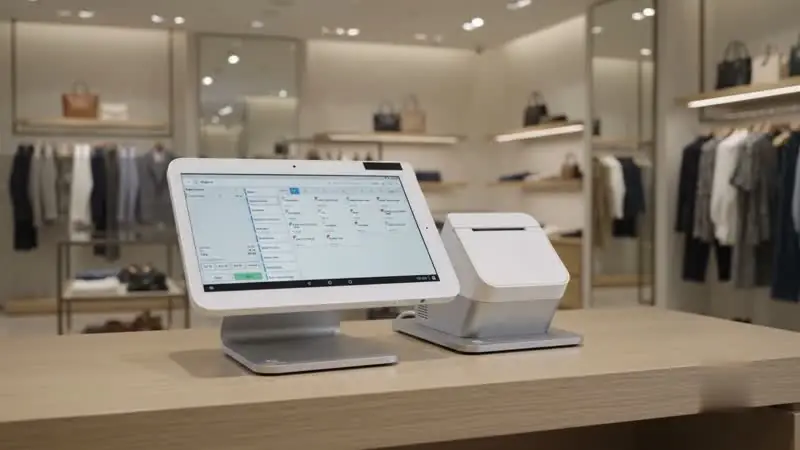
Retail POS

Connect the purchase with the product.

A retail checkout is also a stock movement, a receipt, and sometimes a return. Compare the workflows that surround the sale as carefully as the payment itself.

Retail POSCONFIGURATION SUBJECT TO CONFIRMATION
Explore forRetail checkout and inventory workflows
CollectionPayment workflow
Next stepReview your configuration

THE WORK BEHIND THE HARDWARE

Design the workflow first.

Before selecting a model, map the operational tasks it must support. Use these three checkpoints to keep the comparison useful.

  1. 01

    Prepare products and variations

    Confirm scanner support, product variations, and how quickly staff can find an item.

  2. 02

    Walk through an exchange

    Map how returns, store credit, and exchanges are processed and reported.

  3. 03

    Check store and online coordination

    Ask how stock updates across the register, online store, and back office.

PAYMENTS IN MOTIONRetail POS · hardware in context

SEE THE WORKFLOW

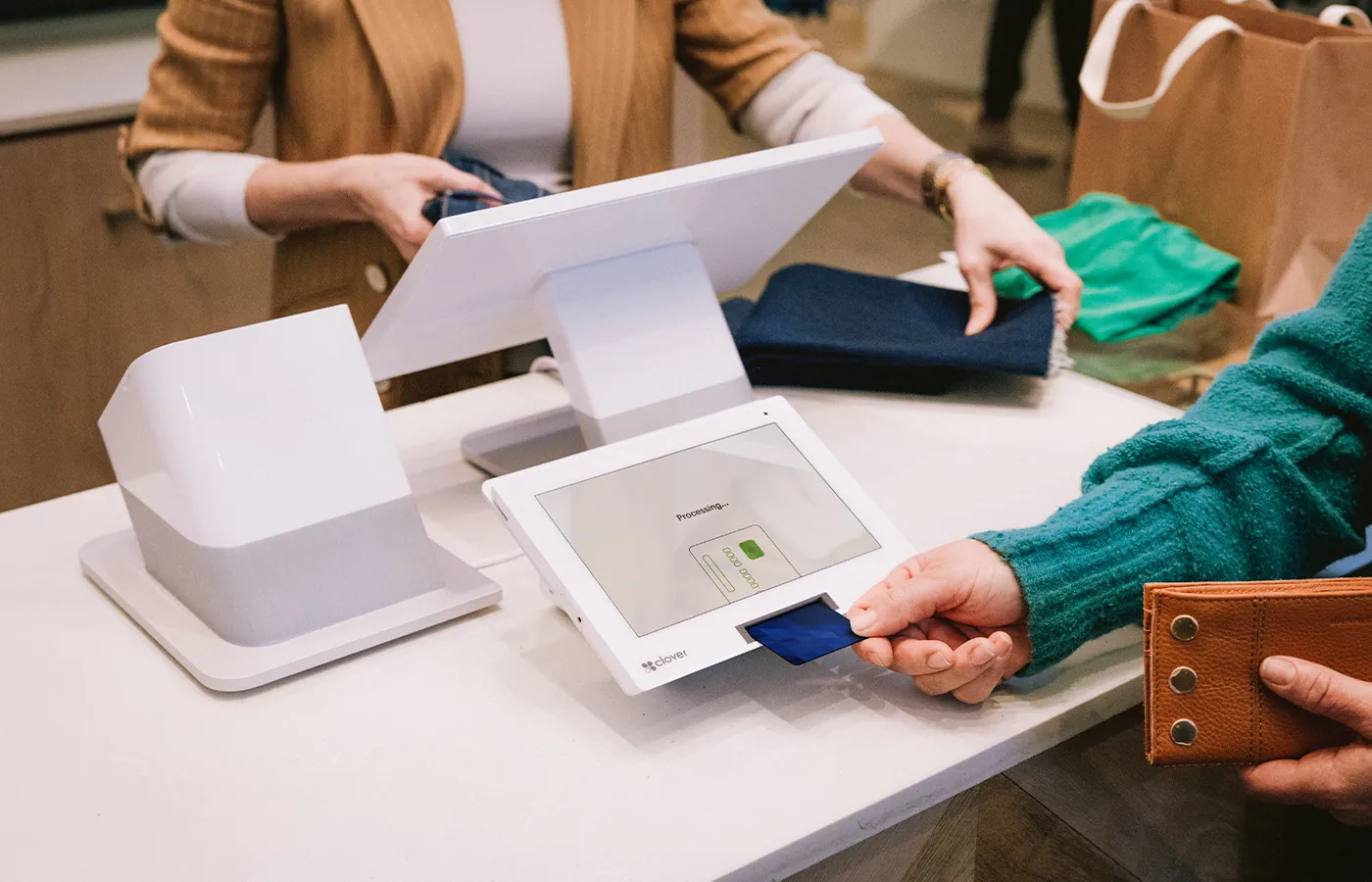
A setup in context.

The film illustrates a possible hardware workflow. Match what you see to your actual requirements, software, and proposed equipment list.

Talk through the details

A USEFUL SHORTLIST

What else should you consider?

Compare the operating approach.
Exact capabilities depend on configuration.

YOU ARE EXPLORING
Retail POS

Retail POS

A retail checkout is also a stock movement, a receipt, and sometimes a return. Compare the workflows that surround the sale as carefully as the payment itself.

Explore for
Retail checkout and inventory workflows
Questions to resolve
Scanning, product variations, exchanges, inventory connections
ALTERNATIVE / 01
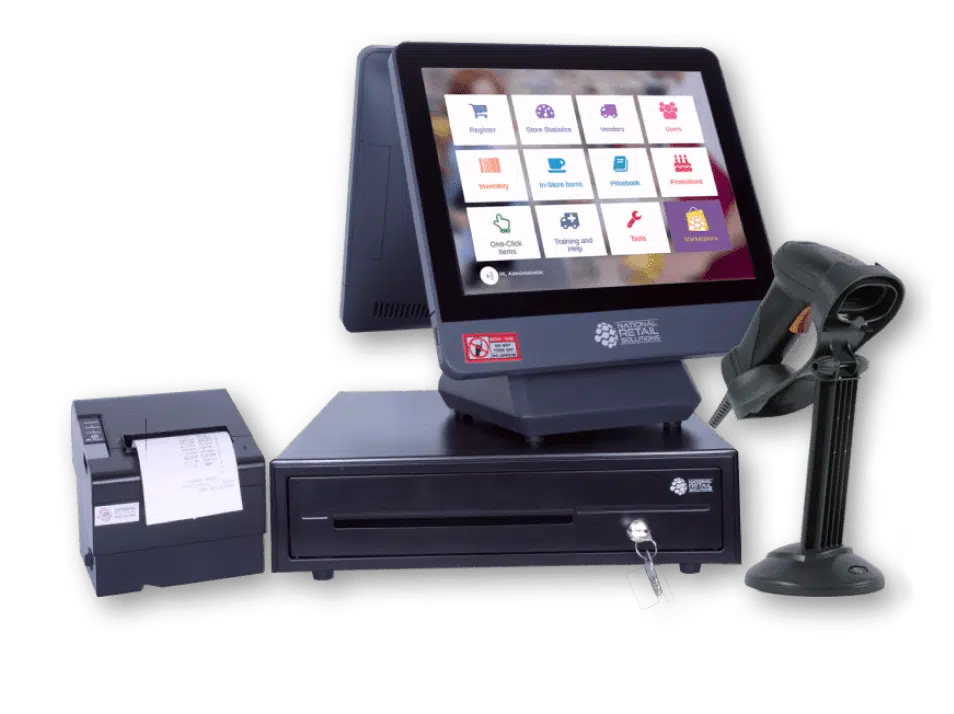
NRS Puma POS

NRS Puma POS

For independent store checkout, start with the items your team scans most often. Walk through price lookup, cash handling, receipts, and the shift report in the proposed setup.

Explore for
Everyday convenience and retail checkout
Questions to resolve
Counter space, scanner and scale needs, cash handling, inventory volume
Explore this option
ALTERNATIVE / 02
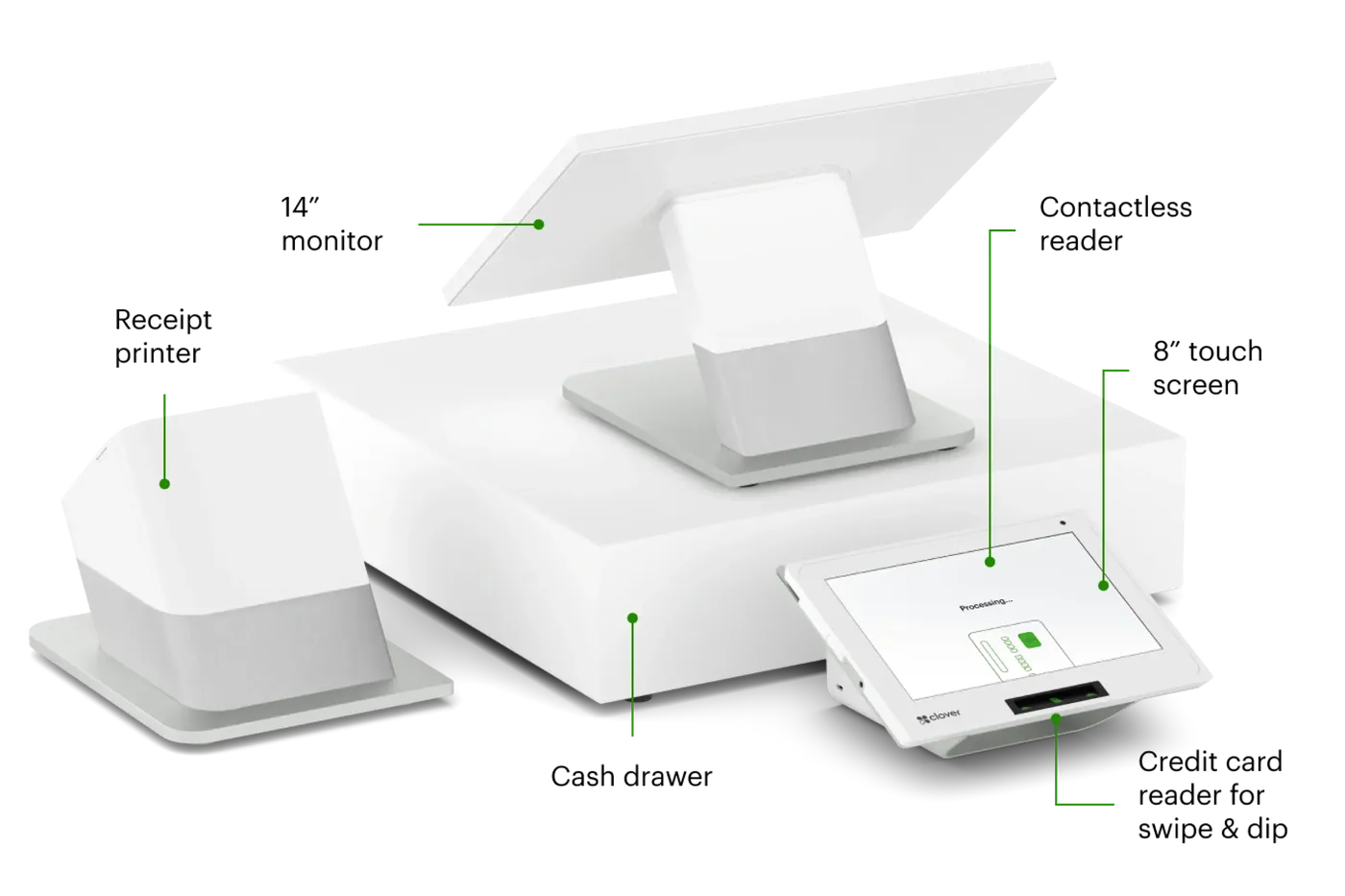
Clover Station Duo

Clover Station Duo

Explore how staff and customer-facing touchpoints fit your counter. Review what appears to each person during ordering, payment, tipping, and receipt selection.

Explore for
Customer-facing checkout
Questions to resolve
Exact model and specification, software compatibility, accessories and connectivity, provider availability
Explore this option

KNOW WHAT YOU ARE CHOOSING

Get the whole proposal
in focus.

Request a tailored conversation

Equipment

Exact model, quantities, peripherals, and what is included.

Software & connections

Applications, supported versions, connectivity, and integration ownership.

Costs & terms

An itemized proposal covering equipment, ongoing services, and contract conditions.

Setup & support

Configuration, staff training, support channels, and responsibilities.

FREQUENTLY ASKED

Questions about Retail POS.

What should a proposal for this setup include?

Ask for the exact model, software, included accessories, installation responsibilities, support scope, and itemized costs. For this setup, pay particular attention to: prepare products and variations, walk through an exchange, and check store and online coordination.

Can it work with my current systems?

Compatibility depends on your actual software, versions, hardware, and processing arrangement. Share those details and request written confirmation before committing.

Are the images a confirmation of availability?

No. Images show third-party hardware and possible configurations. Current availability, specifications, pricing, and provider relationships must be confirmed for your proposal.

Return to the full POS collection

Product names and images identify third-party hardware and do not establish an authorized relationship with the manufacturer. Models, specifications, compatibility, pricing, and availability are confirmed in a written proposal.