Keep appointments connected
Consider how booking, deposits, service charges, retail products, and tips fit into the customer’s visit.

SALONS & SPAS / PAYMENT PERSPECTIVES
Connect booking, service, tips, and product sales in a considered checkout.
Discuss my business
THE SHORT ANSWER
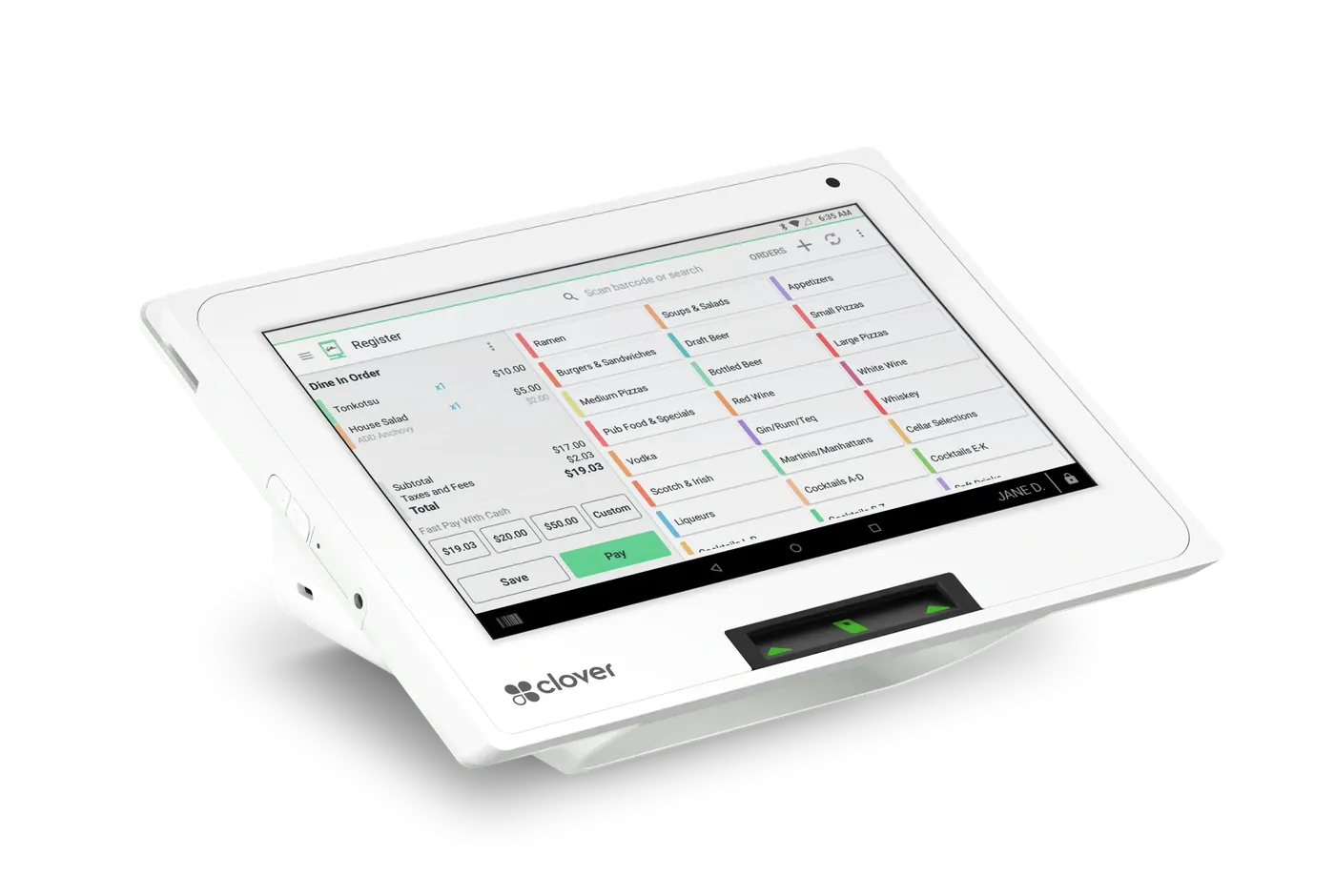
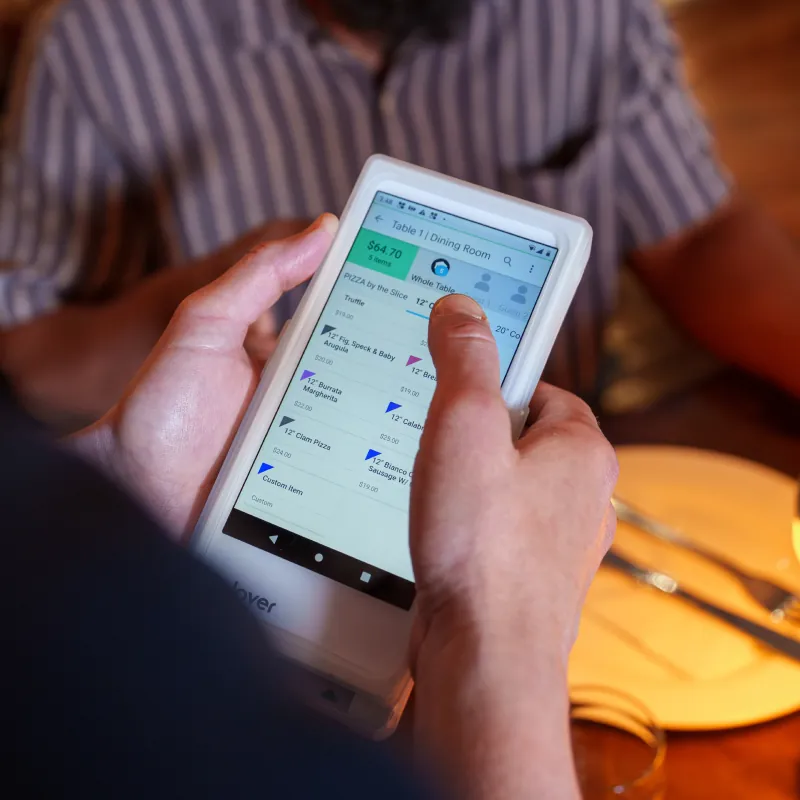
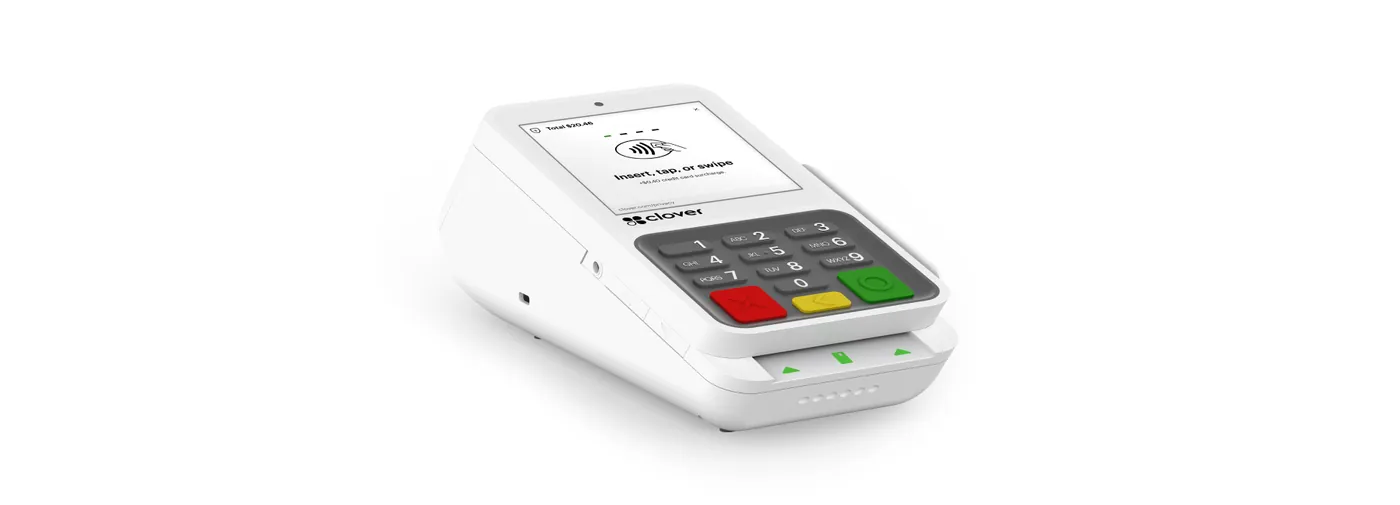
Salons and spas benefit from booking-linked payments, deposits to reduce no-shows, tips tracked by stylist or therapist, retail product sales, and the option to pay at the chair. Many use a countertop terminal or POS at the front desk plus a portable device for chair-side checkout.
KEY TAKEAWAYS
GO DEEPER
WHAT MAKES THIS WORKFLOW DIFFERENT
Deposits, packages, cancellations, and staff tips need explicit rules in the selected software. Start with your operating model and appointment system.
Consider how booking, deposits, service charges, retail products, and tips fit into the customer’s visit.
Decide whether customers pay at reception or at the chair. Discuss staff access and the reporting needed for your operating model.
Which scheduling software is in use? Do you sell packages or memberships? How are tips and cancellations handled?
MAKE AN INFORMED CHOICE
Start with the workflow you need. Confirm the details of a proposed solution before committing.
Talk through your options| Approach | Use case | What to confirm |
|---|---|---|
| 01Reception checkout | Services and retail in one visit | Tips, products, and booking records |
| 02At-chair checkout | Payment where the service happens | Portable hardware and staff permissions |
| 03Deposit or package | Collection before or across visits | Scheduling compatibility and terms |
SETUPS TO CONSIDER
A MORE USEFUL CONSULTATION
No need to have every answer. These are the questions worth starting with.
FREQUENTLY ASKED
Describe your staff structure and tip allocation process. Demonstrate the proposed tip entry and reporting workflow rather than assuming it matches your payroll or booking system.
Ask your scheduling provider to confirm supported payment connections, how balances are tracked, and how cancellations or changes are handled. State your intended policies during the configuration review.
Bring your existing setup and discuss these questions: Which scheduling platform is in place? How are tips and staff access managed? Do you sell retail products or packages? A useful shortlist begins with those requirements.
That depends on the exact models, software versions, integrations, and processing arrangement. Request confirmation for your configuration before committing.
No. Hardware and technology categories illustrate options to explore. Availability, supported workflows, eligibility, pricing, and terms require verification in a written proposal.