WORKFLOW GUIDE

Mobile payment terminals

Checkout goes to the customer.

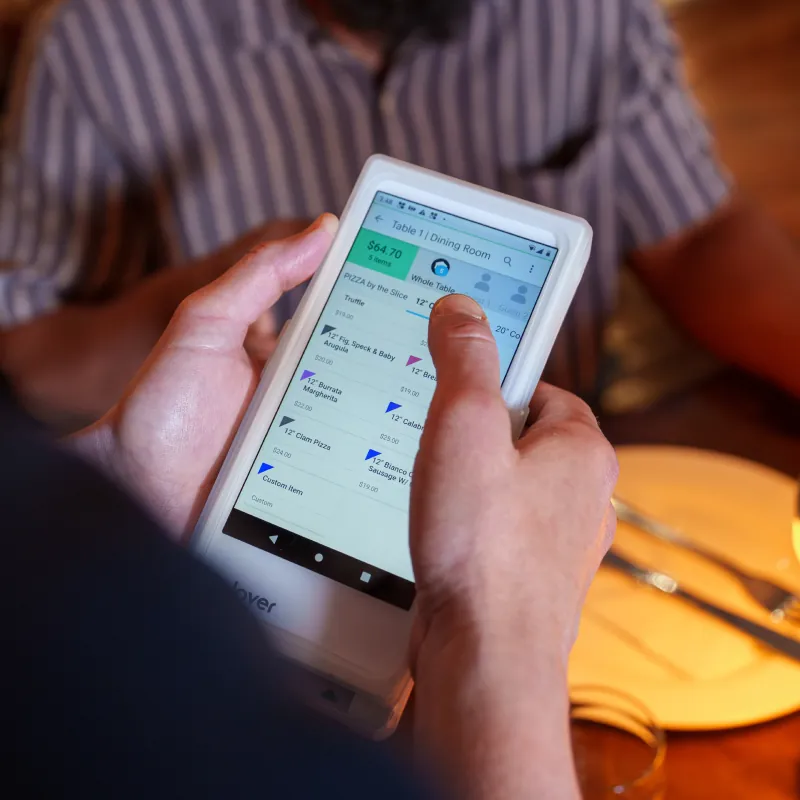
A portable setup changes who carries the device, where a receipt is delivered, and how the team handles a busy shift. Evaluate the complete route a device takes through your business.

Mobile payment terminalsCONFIGURATION SUBJECT TO CONFIRMATION
Explore forTableside and on-site workflows
CollectionPayment workflow
Next stepReview your configuration

THE WORK BEHIND THE HARDWARE

Design the workflow first.

Before selecting a model, map the operational tasks it must support. Use these three checkpoints to keep the comparison useful.

  1. 01

    Plan the working area

    Close the sale at the table, line, or job site instead of walking back to a counter.

  2. 02

    Check charging and connectivity

    Review Wi-Fi and cellular coverage where your team actually works.

  3. 03

    Decide who owns each device

    Plan charging around your longest shift and peak periods.

PAYMENTS IN MOTIONMobile payment terminals · hardware in context

SEE THE WORKFLOW

A setup in context.

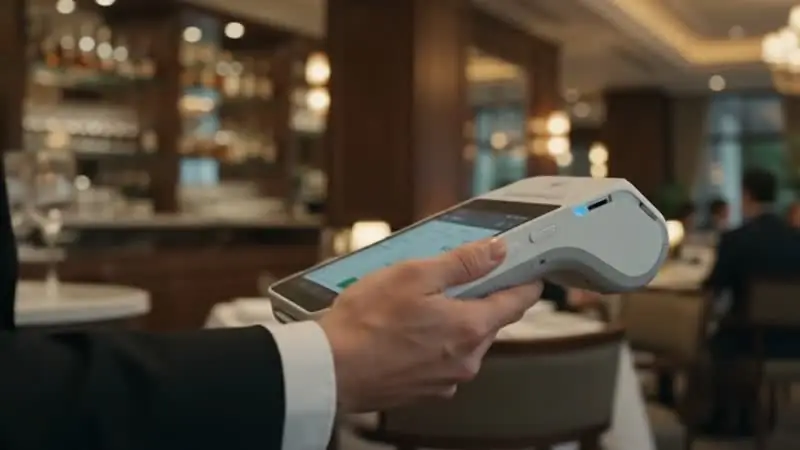
The film illustrates a possible hardware workflow. Match what you see to your actual requirements, software, and proposed equipment list.

Talk through the details

A USEFUL SHORTLIST

What else should you consider?

Compare the operating approach.
Exact capabilities depend on configuration.

YOU ARE EXPLORING
Mobile payment terminals

Mobile payment terminals

A portable setup changes who carries the device, where a receipt is delivered, and how the team handles a busy shift. Evaluate the complete route a device takes through your business.

Explore for
Tableside and on-site workflows
Questions to resolve
Battery life, charging, wireless coverage, receipt options
ALTERNATIVE / 01
Clover Flex

Clover Flex

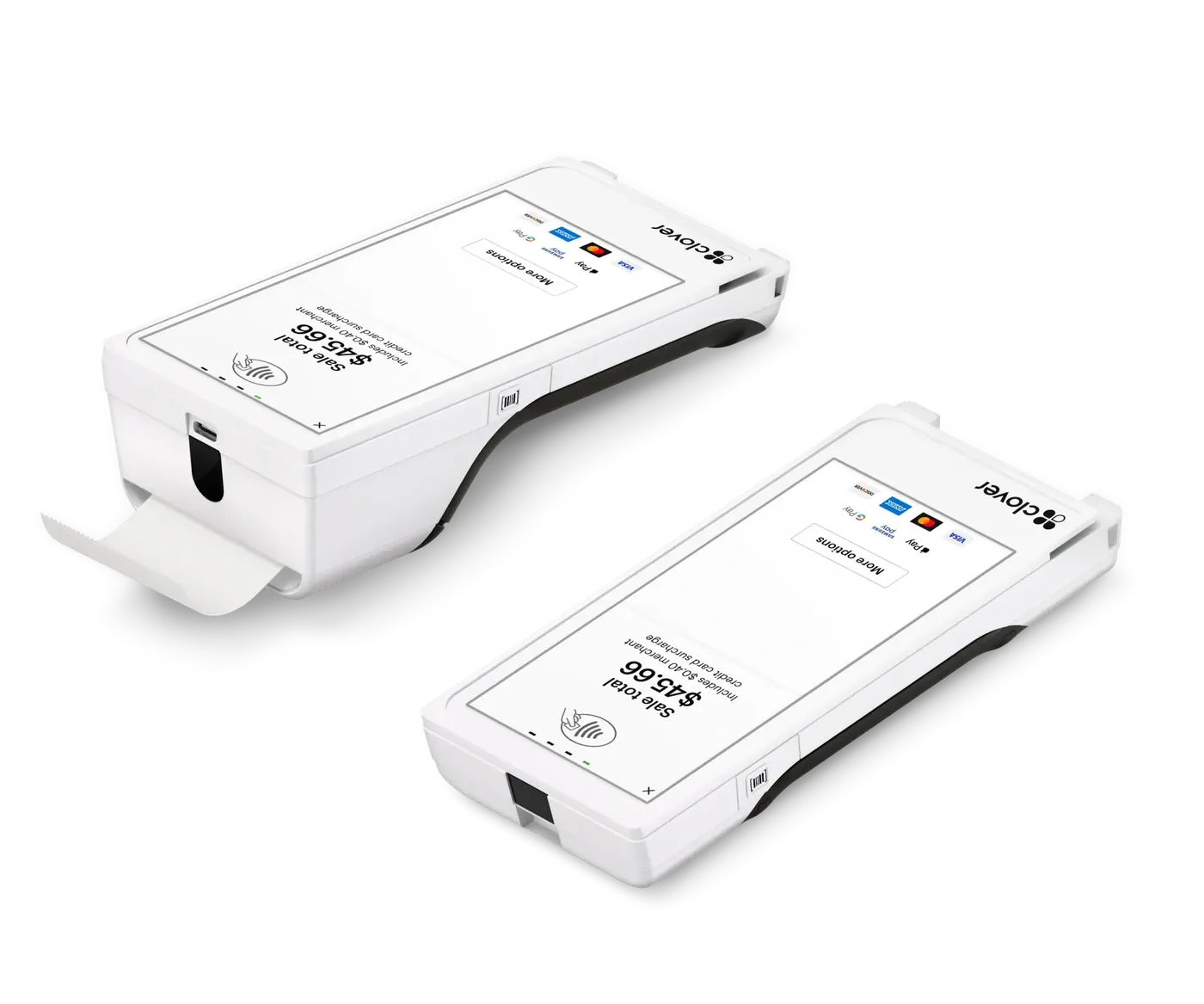
For tableside service or work around the shop floor, evaluate what staff need to do while holding the device. A demonstration should include corrections and refunds as well as a sale.

Explore for
Tableside and mobile workflows
Questions to resolve
Exact model and specification, software compatibility, accessories and connectivity, provider availability
Explore this option
ALTERNATIVE / 02
Clover Go

Clover Go

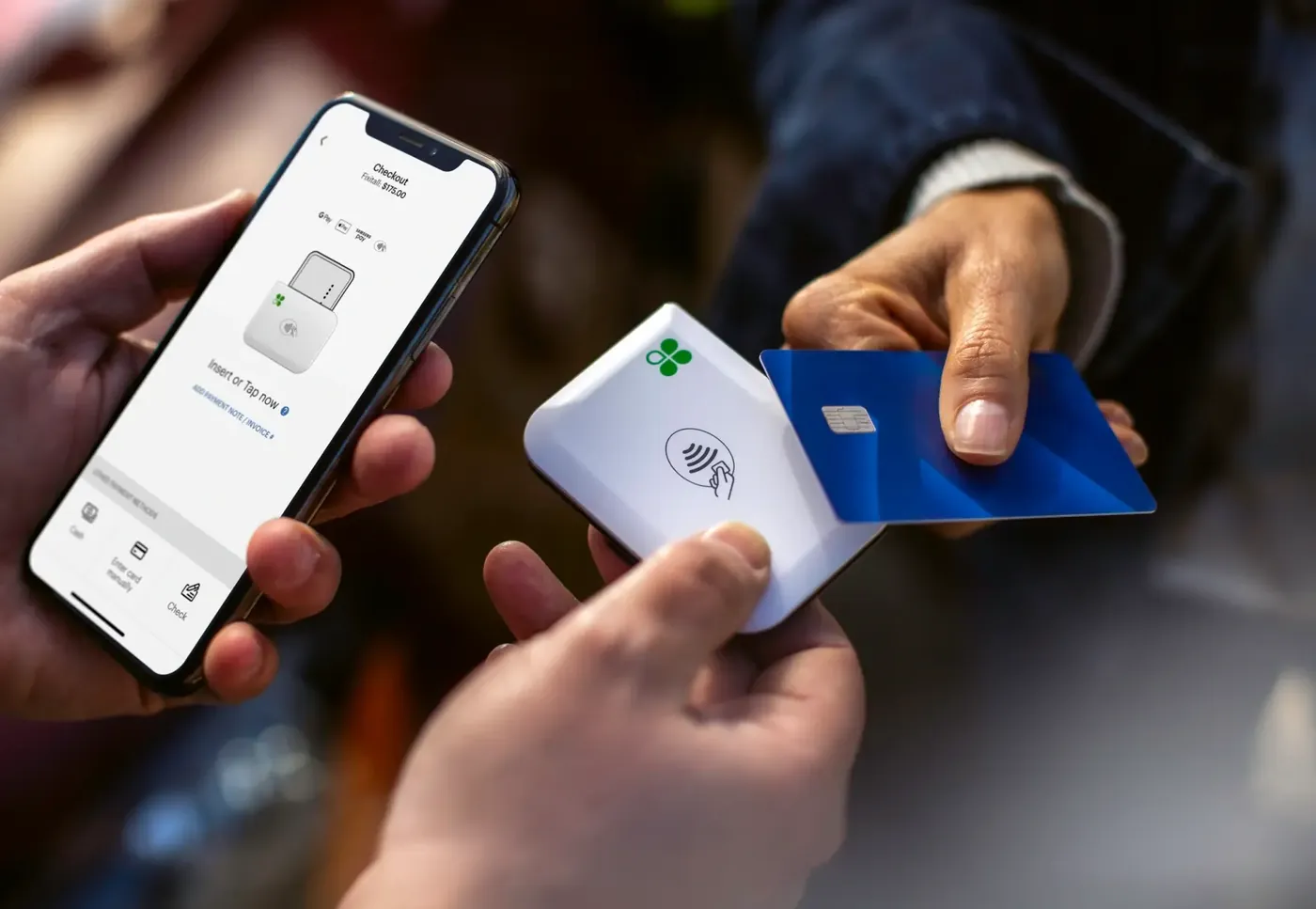
Explore a reader-and-phone approach for appointments, events, and on-site work. The practical questions begin with your phone, connection, and receipt process.

Explore for
Phone-based acceptance
Questions to resolve
Exact model and specification, software compatibility, accessories and connectivity, provider availability
Explore this option

KNOW WHAT YOU ARE CHOOSING

Get the whole proposal
in focus.

Request a tailored conversation

Equipment

Exact model, quantities, peripherals, and what is included.

Software & connections

Applications, supported versions, connectivity, and integration ownership.

Costs & terms

An itemized proposal covering equipment, ongoing services, and contract conditions.

Setup & support

Configuration, staff training, support channels, and responsibilities.

FREQUENTLY ASKED

Questions about Mobile payment terminals.

What should a proposal for this setup include?

Ask for the exact model, software, included accessories, installation responsibilities, support scope, and itemized costs. For this setup, pay particular attention to: plan the working area, check charging and connectivity, and decide who owns each device.

Can it work with my current systems?

Compatibility depends on your actual software, versions, hardware, and processing arrangement. Share those details and request written confirmation before committing.

Are the images a confirmation of availability?

No. Images show third-party hardware and possible configurations. Current availability, specifications, pricing, and provider relationships must be confirmed for your proposal.

Return to the full POS collection

Product names and images identify third-party hardware and do not establish an authorized relationship with the manufacturer. Models, specifications, compatibility, pricing, and availability are confirmed in a written proposal.