Connect the sale with the stock
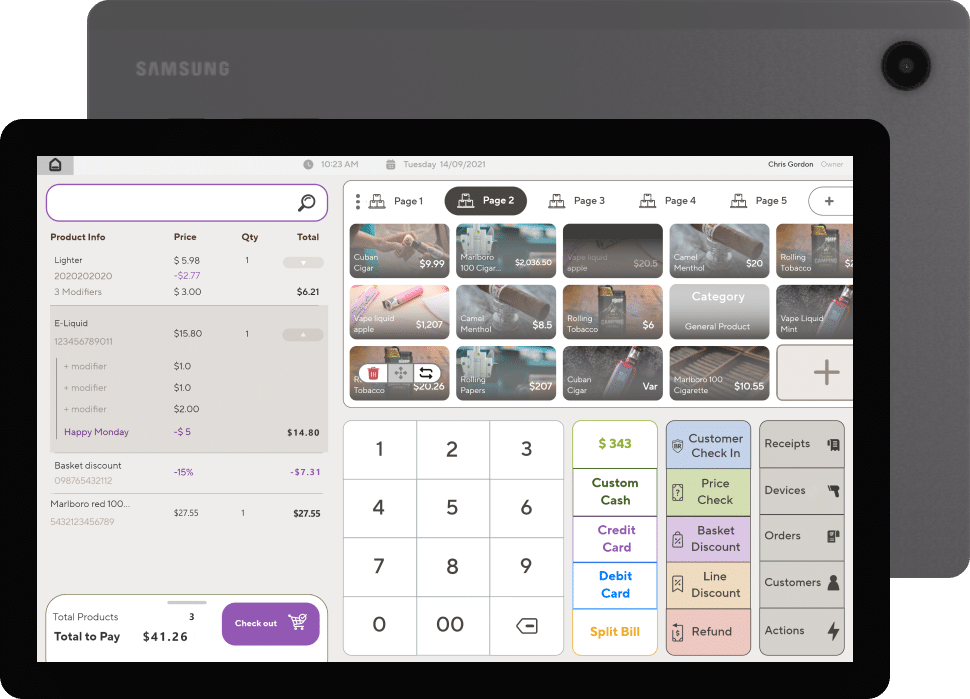
Review barcode scanning, variations, returns, and inventory adjustments as part of the checkout conversation.

RETAIL / PAYMENT PERSPECTIVES
Connect the sale with your products, returns, and store operations.
Discuss my business
THE SHORT ANSWER
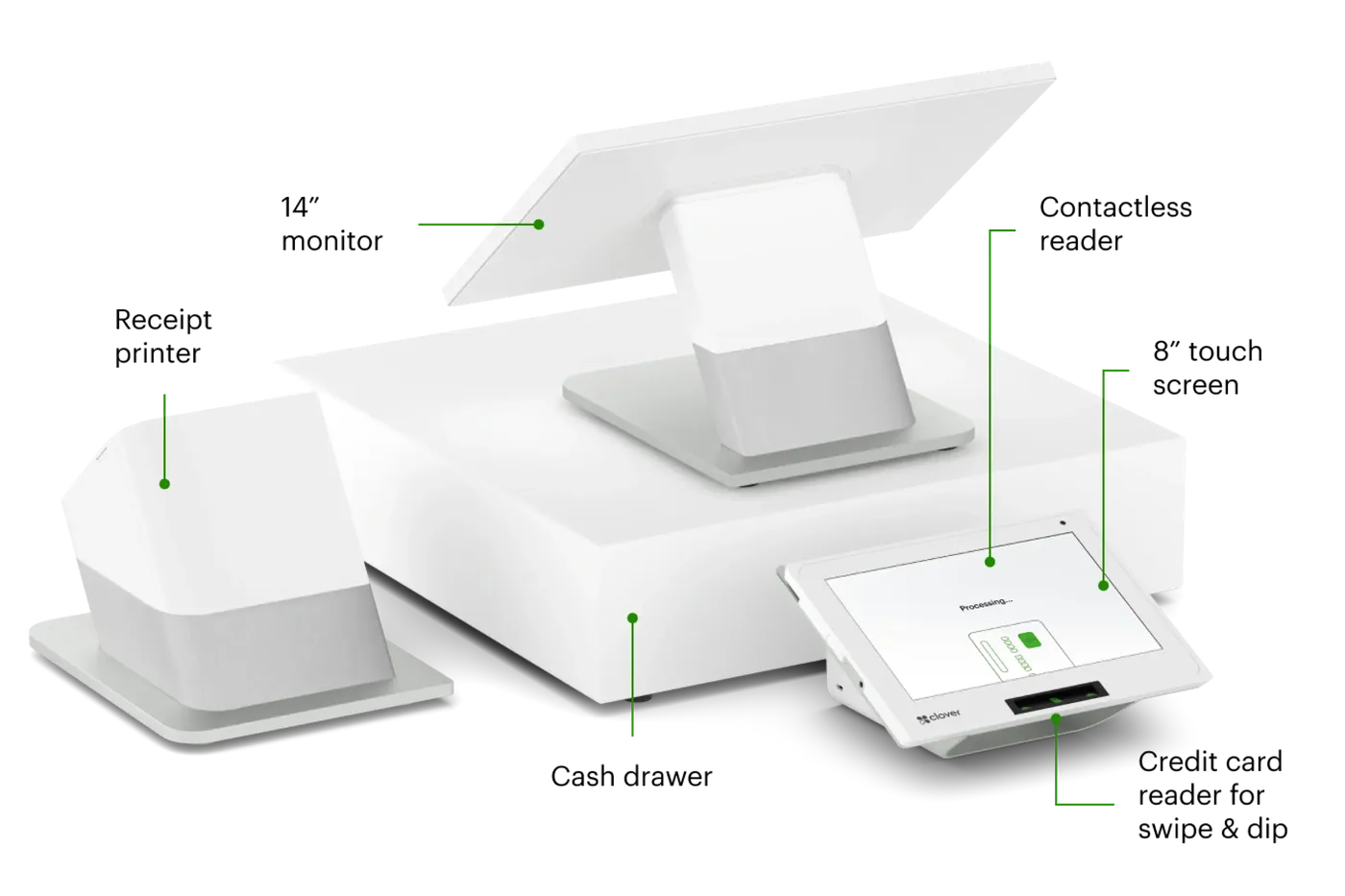
Retail stores benefit most from fast barcode scanning, inventory tracking with product variants, smooth returns and exchanges, customer records, and syncing with an online store if you sell online. Hardware usually includes a station or tablet, scanner, receipt printer, and cash drawer, with handhelds for busy floors.
KEY TAKEAWAYS
GO DEEPER
WHAT MAKES THIS WORKFLOW DIFFERENT
Inventory and payment records are different parts of a sale. Confirm how the proposed software keeps them coordinated, especially when customers buy and return across channels.
Review barcode scanning, variations, returns, and inventory adjustments as part of the checkout conversation.
Describe receipt lookup, exchange rules, and staff permissions. Confirm the proposed software supports your actual return workflow.
Do you sell online as well? Are inventory counts shared across locations? Which product and customer records must be retained?
MAKE AN INFORMED CHOICE
Start with the workflow you need. Confirm the details of a proposed solution before committing.
Talk through your options| Approach | Use case | What to confirm |
|---|---|---|
| 01Single counter | One main point of sale | Scanning, returns, receipt lookup |
| 02Mobile floor service | Assist shoppers away from the desk | Staff access, inventory lookup, coverage |
| 03Store and online | Sell through multiple channels | Stock sync and return ownership |
SETUPS TO CONSIDER
A MORE USEFUL CONSULTATION
No need to have every answer. These are the questions worth starting with.
FREQUENTLY ASKED
Demonstrate receipt lookup, exchanges, store credit if needed, and stock adjustments. If you sell online, confirm which system owns the return and inventory update.
Gather your product list, variations, barcodes, prices, and departments. Ask who imports the data and how changes reach each sales channel.
Bring your existing setup and discuss these questions: How many products and variations do you carry? How do you handle returns and exchanges? Which stock records must be shared? A useful shortlist begins with those requirements.
That depends on the exact models, software versions, integrations, and processing arrangement. Request confirmation for your configuration before committing.
No. Hardware and technology categories illustrate options to explore. Availability, supported workflows, eligibility, pricing, and terms require verification in a written proposal.