From estimate to collection
Map estimates, approvals, repair orders, and the final payment. Confirm how your existing shop software fits the proposed setup.

AUTOMOTIVE / PAYMENT PERSPECTIVES
Build payment collection around your shop’s actual service process.
Discuss my business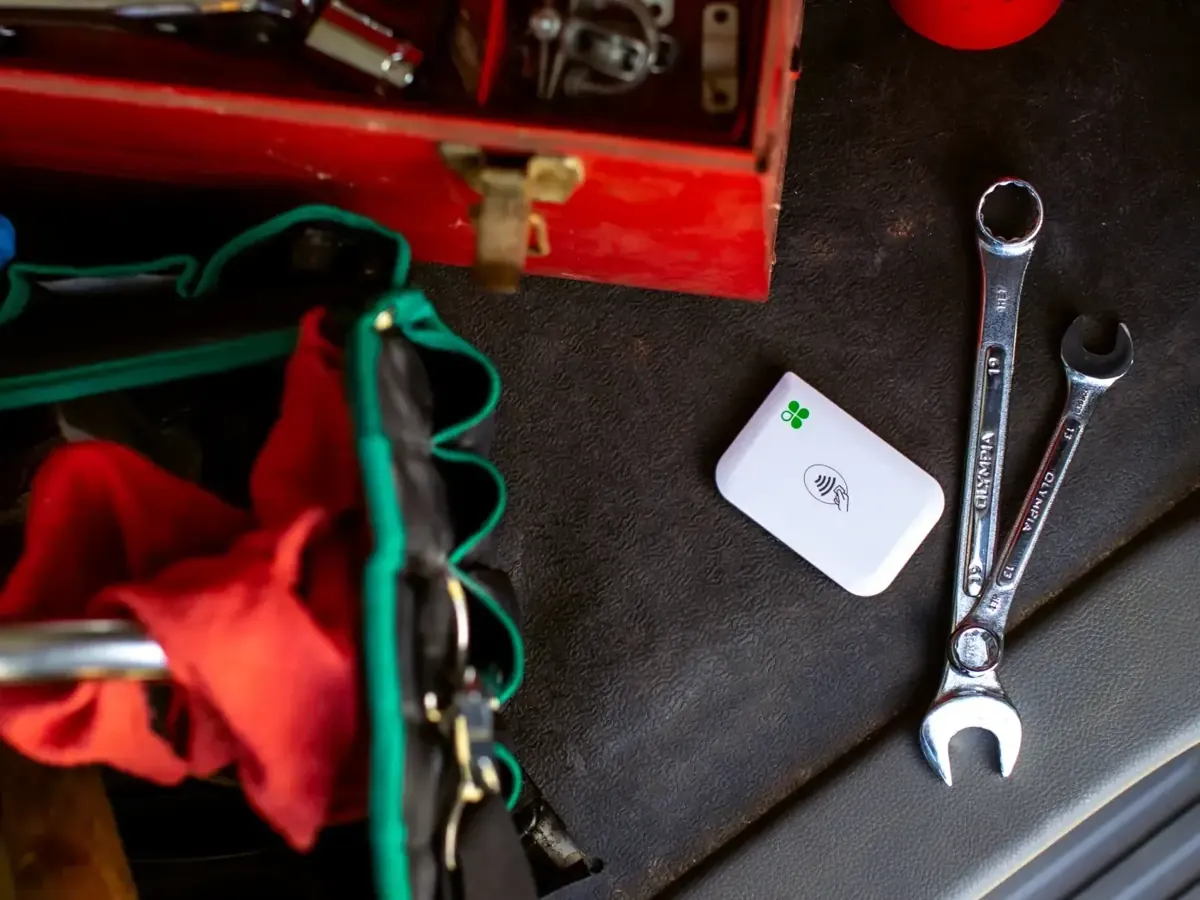
THE SHORT ANSWER
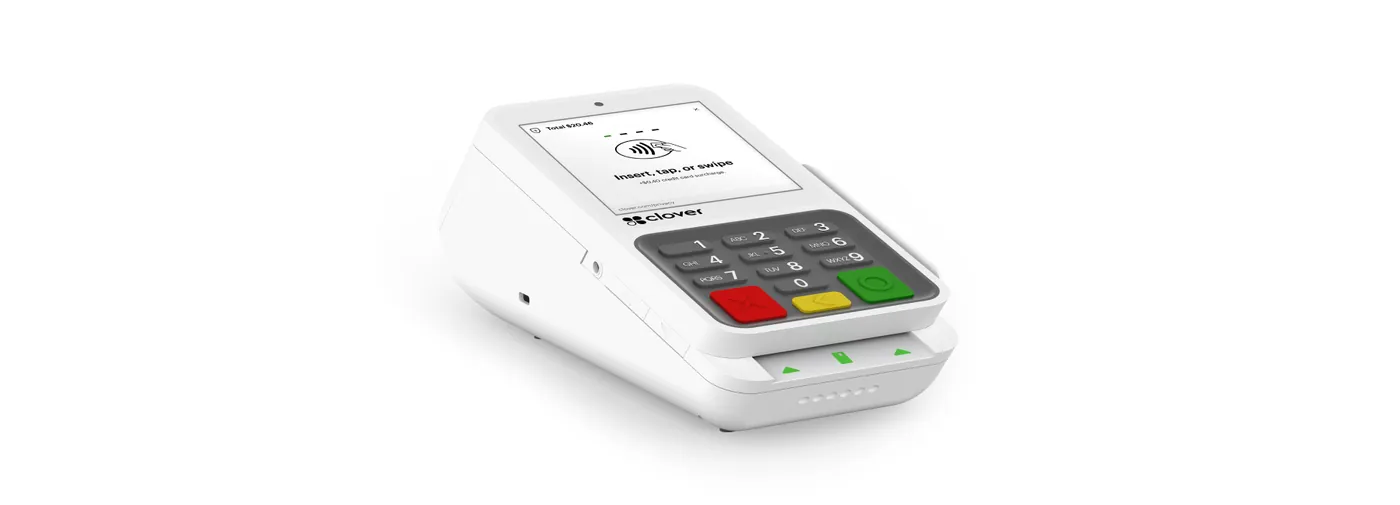
Auto repair and automotive service businesses typically need a dependable counter terminal or POS at the service desk, integration with shop management software for estimates and repair orders, and payment links for customers who approve work by phone. Larger tickets mean authorization limits and fraud checks deserve attention.
KEY TAKEAWAYS
GO DEEPER
WHAT MAKES THIS WORKFLOW DIFFERENT
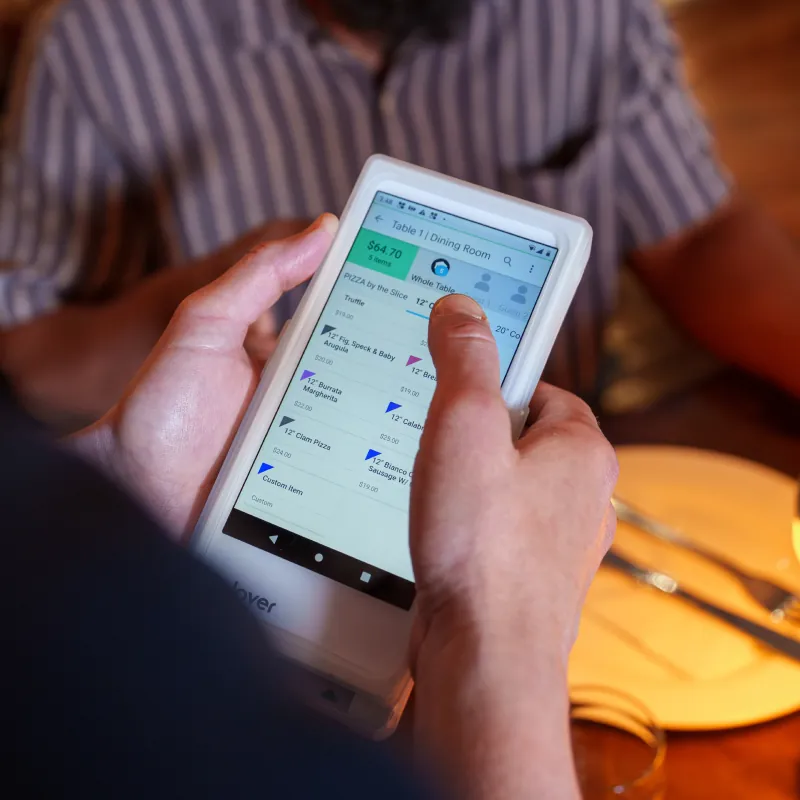
The estimate, approved work, final invoice, and payment may be recorded in different places. Confirm how your shop software and payment setup keep the right repair order in view.
Map estimates, approvals, repair orders, and the final payment. Confirm how your existing shop software fits the proposed setup.
Discuss deposits, additional work, refunds, and customer receipts so payment collection reflects the final agreed service.
Do customers pay at pickup or remotely? Which repair-order records must connect? Who approves adjustments?
MAKE AN INFORMED CHOICE
Start with the workflow you need. Confirm the details of a proposed solution before committing.
Talk through your options| Approach | Use case | What to confirm |
|---|---|---|
| 01At the service desk | Customer pays at pickup | Repair-order association |
| 02Remote collection | Customer pays before collection | Invoice links and status confirmation |
| 03On-site work | Service away from the shop | Portable equipment and connectivity |
SETUPS TO CONSIDER
A MORE USEFUL CONSULTATION
No need to have every answer. These are the questions worth starting with.
FREQUENTLY ASKED
Define the repair-order reference used in the payment request and who verifies the result before vehicle handover. Confirm any automated connection with your shop-software vendor.
Share typical and unusually large transaction amounts, deposit practices, and delivery timing with the provider. Ask about review procedures and required customer authorization.
Bring your existing setup and discuss these questions: Which shop-management software do you use? Do you collect deposits for parts or work? How do customers pay before or after pickup? A useful shortlist begins with those requirements.
That depends on the exact models, software versions, integrations, and processing arrangement. Request confirmation for your configuration before committing.
No. Hardware and technology categories illustrate options to explore. Availability, supported workflows, eligibility, pricing, and terms require verification in a written proposal.