Service style comes first
Counter service, table service, and takeout create different ordering and payment handoffs. Start by mapping the journey from order entry to the final receipt.

RESTAURANTS / PAYMENT PERSPECTIVES
Keep ordering, kitchen handoff, and checkout in the same conversation.
Discuss my business
THE SHORT ANSWER
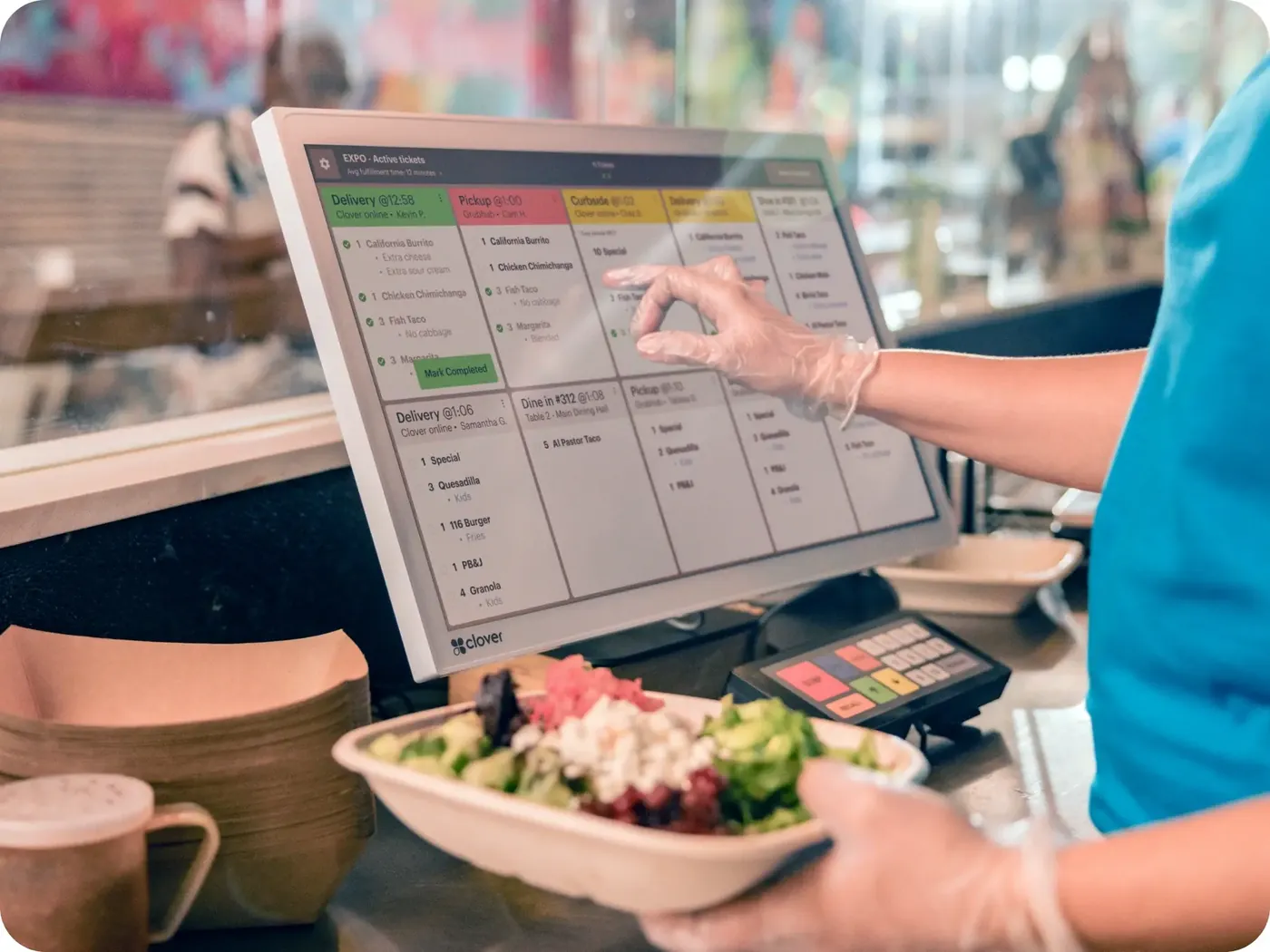
Most restaurants need a POS that handles table or counter ordering, sends orders to the kitchen by display or printer, supports tips and split checks, and accepts tableside or counter payments. Many add online ordering and self-ordering kiosks. Choose based on service style, kitchen workflow, and the delivery and accounting tools you already use.
KEY TAKEAWAYS
GO DEEPER
WHAT MAKES THIS WORKFLOW DIFFERENT
A busy shift crosses several systems. Orders, modifiers, tips, and refunds need an agreed workflow before hardware is selected.
Counter service, table service, and takeout create different ordering and payment handoffs. Start by mapping the journey from order entry to the final receipt.
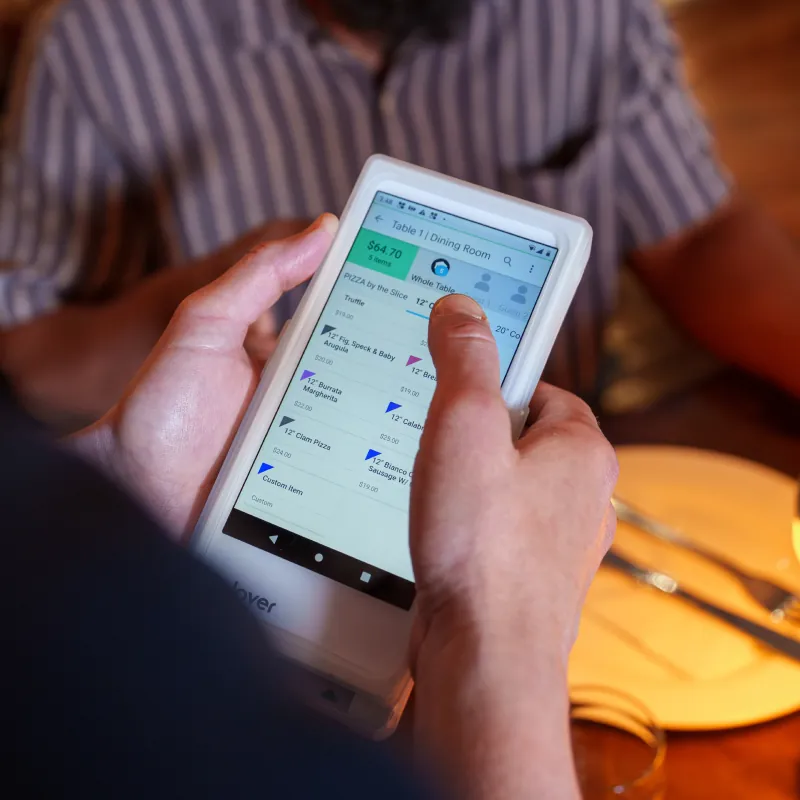
Discuss kitchen routing, tips, split checks, handheld use, and what staff need during peak service.
Which ordering channels must connect? Where is wireless coverage weakest? Who closes the shift and reconciles tips?
MAKE AN INFORMED CHOICE
Start with the workflow you need. Confirm the details of a proposed solution before committing.
Talk through your options| Approach | Use case | What to confirm |
|---|---|---|
| 01Quick service | Counter orders and rapid pickup | Menu entry, kitchen routing, queues |
| 02Table service | Servers move between guests | Handheld coverage, tips, split checks |
| 03Mixed service | Dine-in, takeout, and remote orders | Order sources and fulfillment coordination |
SETUPS TO CONSIDER
A MORE USEFUL CONSULTATION
No need to have every answer. These are the questions worth starting with.
FREQUENTLY ASKED
That depends on your service model. Walk through order entry, changes, payment, and the kitchen handoff. Confirm which tasks the proposed handheld or fixed station actually supports.
Rehearse a modified order, a split check, a tip, a refund, and shift close with the proposed software and equipment. Include the busiest areas in your network coverage review.
Bring your existing setup and discuss these questions: Where are orders entered and prepared? How do staff manage tips and split checks? Which online ordering tools must connect? A useful shortlist begins with those requirements.
That depends on the exact models, software versions, integrations, and processing arrangement. Request confirmation for your configuration before committing.
No. Hardware and technology categories illustrate options to explore. Availability, supported workflows, eligibility, pricing, and terms require verification in a written proposal.